Email Automation for Small Businesses: A Practical CRM Workflow
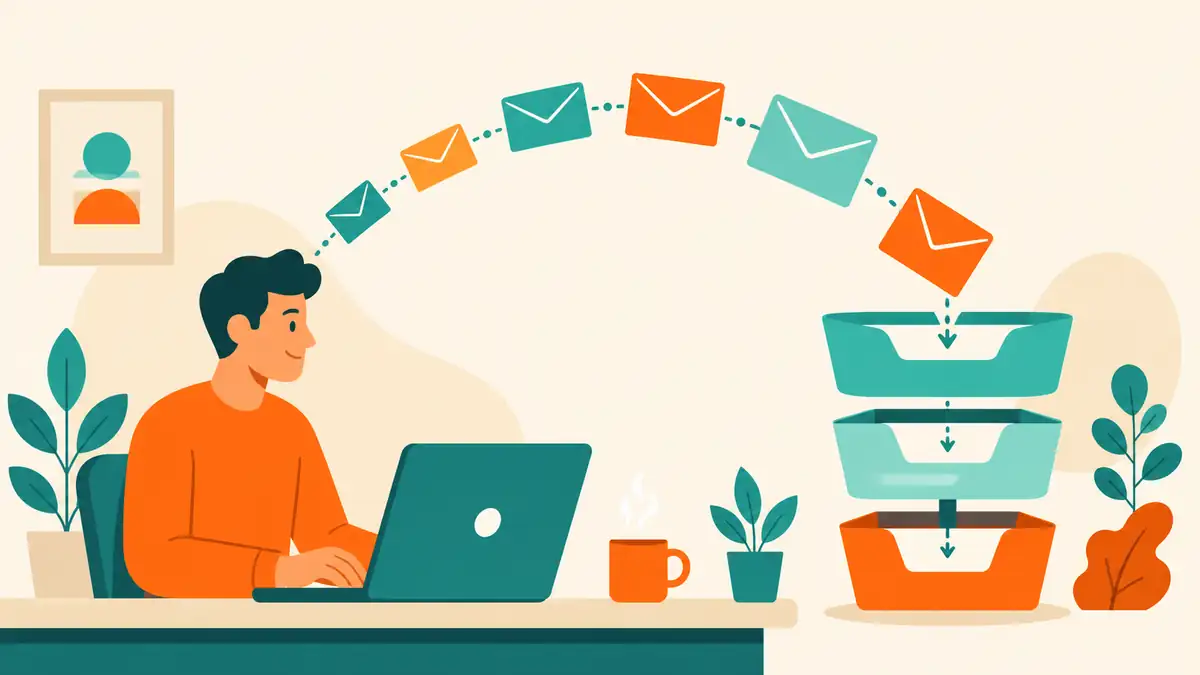
Email automation is not a broadcast tool for small businesses. It is a follow-up system that runs while the team is doing other work. The goal is not to send more messages. It is to send the right message to the right person at the right time, based on what the CRM already knows.
A small business can build useful email automation with a simple CRM, a short list of segments, and a few sequences that match real customer moments. The risk is not starting too small. The risk is building a complex branching workflow that nobody maintains, so it sends irrelevant messages and damages trust.

Start with the follow-up problem automation should solve
Before choosing tools or writing sequences, define the follow-up problem:
- New inquiries are not contacted fast enough.
- Qualified leads cool off while waiting for a proposal or demo.
- Customers buy once and never hear from the business again.
- Trial users or new clients drop off before completing onboarding.
- Past customers are not reactivated before renewal or repurchase season.
- Sales reps spend hours on repetitive status updates and reminders.
Each problem deserves its own sequence. A single giant workflow that tries to handle every situation usually handles none of them well.
The best first automation is often the simplest: a fast, personalized response to a new inquiry that sets expectations and schedules the next step.
Build segments from CRM data, not guesswork
Segments are the groups that receive different messages. In a small business CRM, the most useful segments come from fields the team already maintains:
| Segment type | CRM fields to use | Example automation |
|---|---|---|
| Lifecycle stage | Lead status, deal stage, customer flag | Send a welcome sequence to new customers; send a reactivation sequence to old leads |
| Lead source | Original source, campaign, landing page | Send a referral-specific thank-you; send a different onboarding path for trial users vs. direct purchasers |
| Fit or score | Lead score, industry, service interest, budget | Route high-score leads to a sales sequence; send educational content to low-score or nurture leads |
| Behavior or engagement | Last email open, website activity, form submission, event attendance | Re-engage contacts who have not opened an email in 60 days; follow up with webinar attendees |
| Date or event | Purchase date, contract end, birthday, season | Send a renewal reminder 30 days before contract end; send a seasonal offer to past customers |
| Owner or territory | Assigned rep, region, service area | Send territory-specific offers; notify the assigned rep when a lead takes a key action |
If the CRM fields are unreliable, fix the fields before building automation. A sequence sent to the wrong segment is worse than no sequence at all.
Design sequences around one action per message
A sequence is a series of emails triggered by a specific event. Each message should ask for one clear action. If the contact takes the action, the sequence should stop or branch. If not, the next message should add value and try again.
A practical new-inquiry sequence for a service business might look like this:
| Step | Timing | Purpose | Action asked |
|---|---|---|---|
| 1. Immediate confirmation | Instant | Confirm receipt, set expectations, build trust | Reply with preferred times or book a call |
| 2. Value add | +1 day | Share a relevant case study, guide, or FAQ | Read the resource or reply with questions |
| 3. Direct ask | +3 days | Propose a specific next step with time options | Confirm a time or explain the timeline |
| 4. Soft close | +7 days | Check interest, offer an alternative path | Reply yes, no, or not now with a reason |
| 5. Nurture handoff | +14 days | Move to a long-term nurture list if no response | Stay subscribed for occasional useful updates |
The sequence should feel like a conversation, not a drip campaign. Each message should be short enough to read on a phone, specific enough to feel personal, and honest about what happens next.

Choose triggers that match real business events
A trigger is the event that starts a sequence. The best triggers are objective and easy to verify in the CRM:
- Form submitted — a contact fills out a quote, demo, or contact form.
- Tag or list added — a contact is manually or automatically tagged as qualified, customer, or nurture.
- Stage changed — a deal moves from qualified to proposal sent, or from negotiation to closed won.
- Date reached — a contract renewal date, trial end date, or seasonal campaign start.
- Inactivity threshold — a lead has had no activity for 30, 60, or 90 days.
- Behavioral event — a contact visits a pricing page, clicks a specific link, or downloads a guide.
Avoid triggers that depend on unreliable data. A trigger based on "email opened" is less reliable than one based on "form submitted," because open tracking is imperfect and privacy settings block some opens. Use opens and clicks as supplementary signals, not as primary triggers.
Write emails that feel like a person sent them
Automation does not have to sound robotic. A few rules help:
- Use the contact's first name only if the CRM field is reliable. A broken merge tag is worse than no name at all.
- Write in the first person, from a real team member or a clear brand voice.
- Keep paragraphs short. One idea per paragraph.
- Put the main action or question in the first two sentences.
- Include a specific next step: a booking link, a reply request, or a resource download.
- Set a real reply-to address that someone monitors.
- Add an unsubscribe link that is easy to find.
- Test every email on a phone before activating the sequence.
The goal is not to trick the reader into thinking a human typed every message. The goal is to deliver useful information in a tone that matches the business.
Set send timing that respects attention
Timing affects open rates, replies, and unsubscribes. A few practical rules:
- Send business emails on Tuesday through Thursday, between 9 AM and 11 AM in the contact's time zone when possible.
- Avoid Monday mornings, Friday afternoons, and weekends for B2B sequences unless the audience expects it.
- Space sequence emails at least one business day apart. Daily emails feel aggressive unless the contact explicitly opted into a short course or onboarding sprint.
- Respect quiet hours and local regulations. In the United States, the CAN-SPAM Act requires a physical address and an unsubscribe mechanism. The GDPR in Europe requires a lawful basis for processing and clear consent records. Even if the business is not in Europe, some contacts may be.

Review performance weekly, not monthly
Email automation should be reviewed like any other sales or marketing activity. A weekly review keeps sequences from running on autopilot while performance declines.
Track a short list of metrics that drive decisions:
| Metric | What it reveals | Decision it drives |
|---|---|---|
| Delivery rate | Whether emails are reaching inboxes or hitting spam filters | Fix authentication, list hygiene, or sender reputation |
| Open rate | Whether subject lines and sender names earn attention | Test subject lines, send times, or sender personalization |
| Click rate | Whether the message content and call to action are compelling | Rewrite weak emails, simplify CTAs, or change offers |
| Reply or meeting booking rate | Whether the sequence is creating real conversations | Adjust tone, ask more directly, or route to sales sooner |
| Unsubscribe rate | Whether the sequence is relevant to the segment | Tighten segmentation, reduce frequency, or improve targeting |
| Conversion to customer or next stage | Whether the automation produces business outcomes | Double down, redesign, or deprioritize the sequence |
If a sequence has low clicks and high unsubscribes, the problem is usually the segment, the message, or the frequency. Fix it before adding more contacts.
Avoid common automation mistakes
Small businesses often break email automation in predictable ways. The most common mistakes are:
- Starting too complex. A ten-branch workflow with conditional logic looks impressive but is hard to maintain. Start with one or two simple sequences.
- No exit rule. Contacts stay in sequences forever because nobody defined when to stop. Set clear exit conditions: reply received, stage changed, deal won, or a specific number of emails sent.
- No unsubscribe or preference center. Every automated email must include an unsubscribe link. A preference center that lets contacts choose frequency or topic is even better.
- Ignoring bounces and complaints. Hard bounces, spam complaints, and unsubscribes damage sender reputation. Remove hard bounces immediately and review complaint rates after every send.
- Sending from a personal address on behalf of the business. Use a domain-authenticated sender address. Sending from a free consumer email domain reduces deliverability and looks unprofessional.
- Forgetting the mobile preview. Most business emails are opened on phones. If the email is hard to read on a small screen, rewrite it.
- No handoff to a person. Automation should support sales, not replace it. Define when a sequence should trigger a personal call, a manual email, or a task for the owner.
A practical 30-day rollout
Use the first month to prove one sequence works, then expand.
Week 1: Choose one follow-up problem. Pick the moment where a fast, consistent message would have the biggest impact. Common first choices are new inquiry response, post-purchase onboarding, or trial-to-customer conversion.
Week 2: Build the segment and sequence. Define the CRM trigger, the audience criteria, the message count, the timing, and the exit rule. Write every email. Test on mobile.
Week 3: Launch to a small group. Start with 20 to 50 contacts. Watch delivery, opens, clicks, and replies daily. Fix obvious problems before scaling.
Week 4: Review and document. Measure the sequence against its original goal. Did it speed up follow-up? Did it create conversations? Did it reduce manual work? Document what worked and what to change. Then plan the next sequence.
The bottom line
Email automation for small businesses is a follow-up system, not a marketing volume machine. Start with one real problem, one clean segment, one short sequence, and one clear action per message. Review weekly. Expand only after the first sequence proves it saves time or creates outcomes.
The businesses that get the most from email automation are not the ones with the most complex workflows. They are the ones with the simplest sequences that match real customer moments and are maintained like any other operating habit. For sequences that promote cornerstone pages, run the GEO visibility checklist on those URLs before you scale sends.
Frequently asked questions
Do small businesses need email automation?
Yes, when the volume of leads, customers, or follow-ups exceeds what one person can handle manually. The goal is not more email. It is the right email to the right person at the right time.
Which CRMs include email automation for small businesses?
HubSpot, ActiveCampaign, Keap, Mailchimp, Brevo, and Zoho CRM all offer automation workflows. Many general CRMs such as Pipedrive, monday.com, and GoHighLevel include sequence or automation features.
How many emails should a small business automation sequence include?
Start with three to five emails per sequence. A welcome or onboarding sequence may be longer. The test is whether each message earns attention and drives a specific action, not whether the sequence is long.
What should trigger an automated email?
Good triggers are form submissions, stage changes, tag or list additions, date-based events, inactivity thresholds, and behavioral signals such as pricing-page visits or quote requests.