Glossary and Definition Pages: Win AI Answers With Precise Terminology
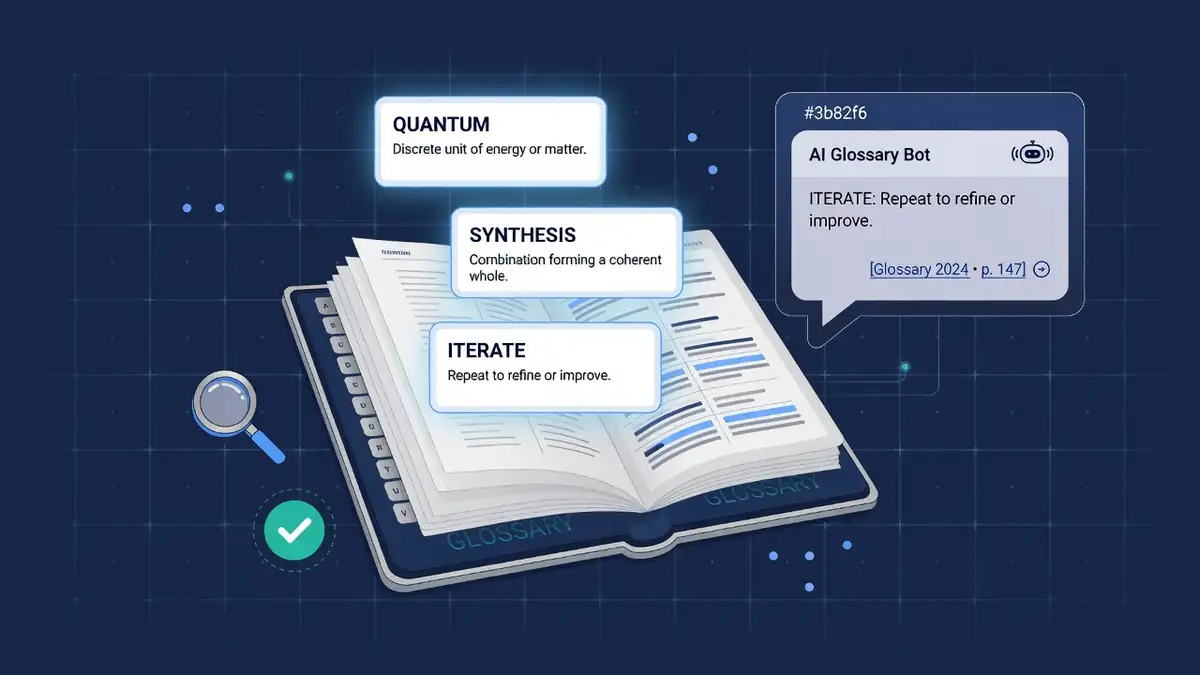
When an AI answer engine needs to define a term, it reaches for the source that makes quoting effortless: a page named after the term that opens with a crisp, self-contained definition. That is why glossary and definition pages punch far above their weight in AI citations relative to the effort they take to write.
This guide shows how to build terminology pages that AI answers actually quote: the anatomy of a quotable definition, the hub structure that spreads authority, and the markup and QA loop that keeps entries citation-ready.
Why definitions are citation magnets
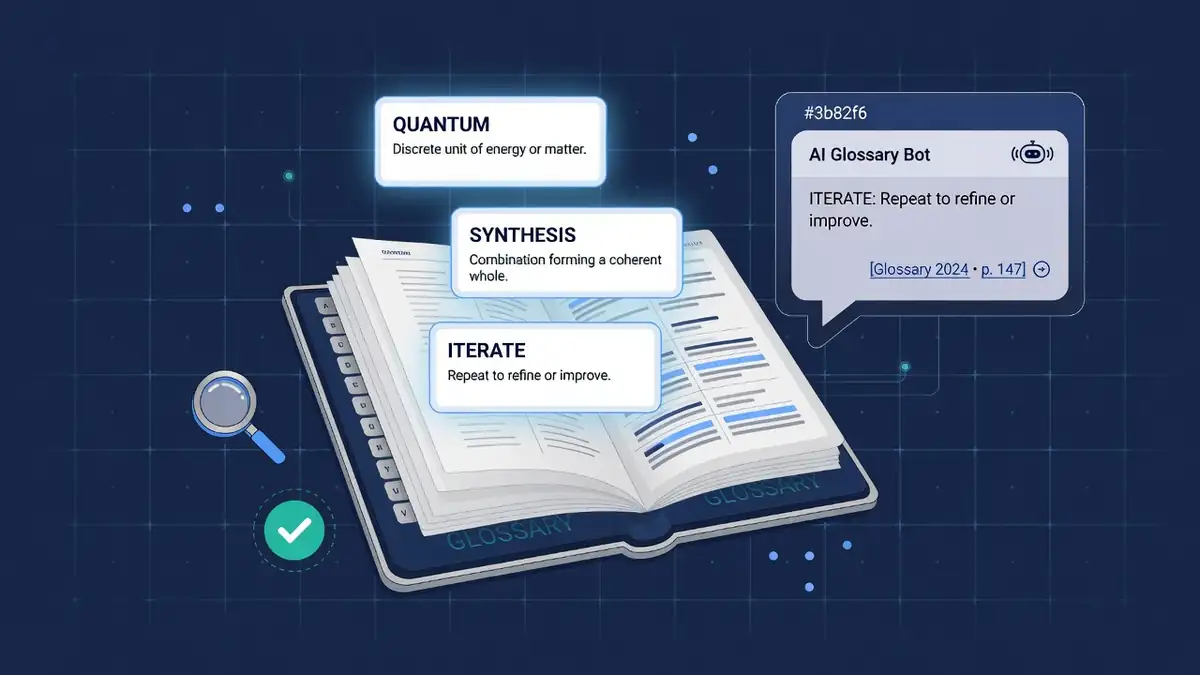
AI answers are assembled from extractable passages. Most marketing copy fails that test: claims are spread across paragraphs, terms are used before they are defined, and numbers lack context. A definition entry does the opposite by design.
- One term, one page. The page title matches the query almost verbatim, which is exactly how conversational queries are phrased. See the conversational query research workflow for finding the phrasing your buyers use.
- Self-contained first sentence. A 25-45 word definition that stands alone survives extraction without losing meaning. That sentence is what appears inside AI Overviews and chatbot answers.
- Entity clarity. Defining the term with consistent naming strengthens the entity signals described in the entity SEO guide: every system can agree on what the page is about.
- Low competition. Most small-business niches have no good terminology pages at all. Ten solid entries can own the definitions for an entire local vertical.
If you run the GEO visibility checklist on a typical glossary page, it scores high on answer readiness almost by default. The format is the optimization.
Anatomy of a quotable definition
Every entry should follow the same four-block anatomy so both readers and extraction systems know where to look.
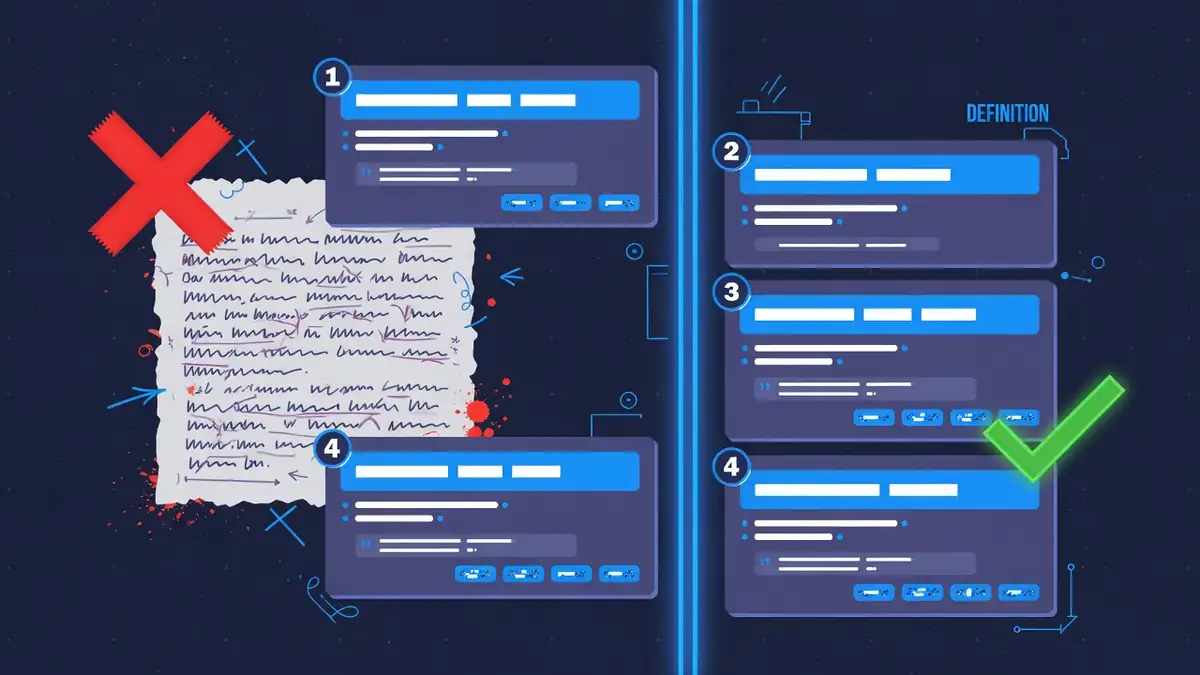
- Term header. The exact term as the H1, matching how people ask. Prefer "What is generative engine optimization?" phrasing in the opening line over clever headlines.
- Quotable sentence. One sentence, 25-45 words: term + category + distinguishing trait. Example pattern: "X is a [category] that [does Y], unlike [common confusion]." Write it with the answer-extraction style so it survives being lifted out of context.
- Example sentence. One concrete, small-business-grounded example. Examples are the second-most-quoted element after definitions because they make abstract terms usable.
- Related terms row. Three to five links to sibling entries. This keeps readers inside your terminology cluster and spreads crawl equity across entries.
Keep the whole entry between 80 and 150 words before the FAQ add-on. Longer essays dilute the extractable sentence; if a term needs depth, link out to a full guide instead of bloating the definition.
Hub structure: one index, short entries
A glossary works as a hub-and-spoke cluster: one index page listing every term, with each term living at its own short URL.
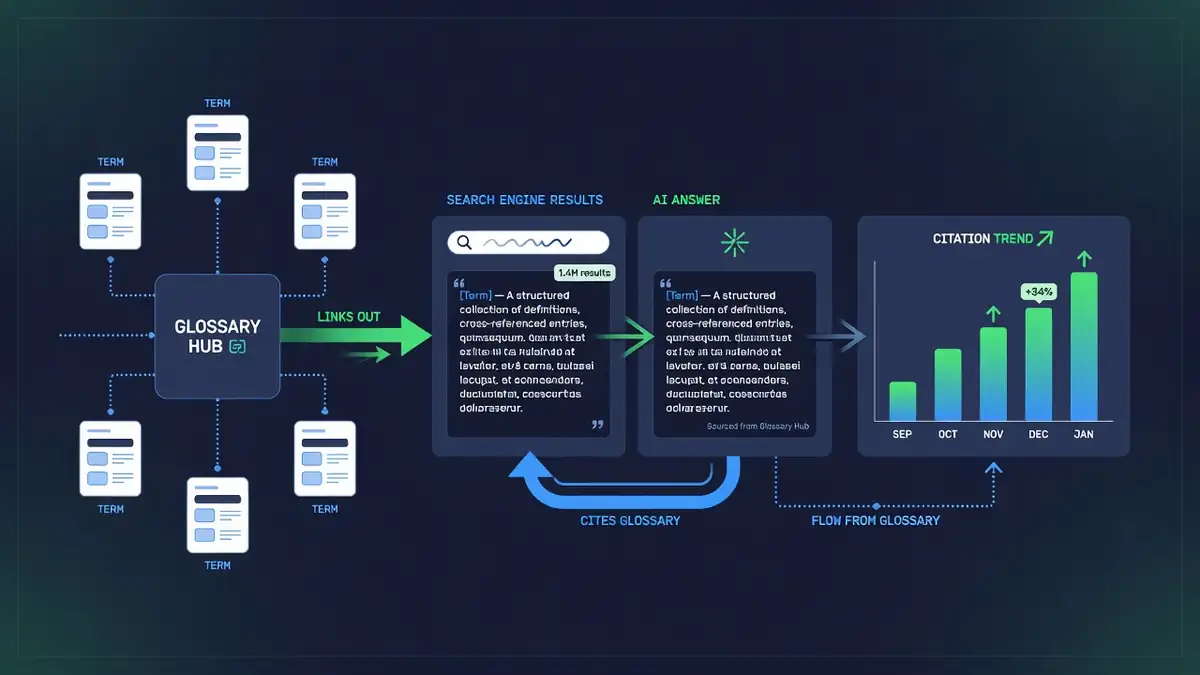
- Index page groups terms by theme with one-line descriptions and links. This page targets "[your niche] glossary" queries and passes internal links to every entry.
- Term entries stay short and identically structured. Consistent templates across entries train both users and crawlers to find the definition in the same place every time.
- Cross-link from money pages. Service pages, comparison pages, and pricing pages should link jargon back to the glossary entry. Each link reinforces the entry as the canonical definition.
- Start with 8-12 terms. Pick terms from real customer questions, sales calls, and support tickets. A tight, genuinely useful mini-glossary beats a 100-term library of filler nobody searches for.
Glossary entries vs other citation formats
| Format | What AI quotes | Effort per unit | Best for |
|---|---|---|---|
| Glossary entry | The definition sentence | Low (80-150 words) | Owning terminology queries |
| How-to guide | Steps and checklists | High (1,000+ words) | Procedural queries |
| Comparison page | Verdicts and tables | Medium (600-900 words) | Versus and alternative queries |
| Statistics post | Numbers and findings | Medium (research needed) | Data-backed claims |
| FAQ block | Single Q/A pairs | Low (per question) | Long-tail questions |
Glossary entries have the best citation-per-hour ratio of any format on this list, which makes them the ideal first citation project for a small team. Pair them with FAQ schema and the schema markup guide for the full effect.
The 6-point QA checklist
Before publishing or refreshing entries, run this loop. It takes minutes per entry and prevents the slow decay that kills citations.
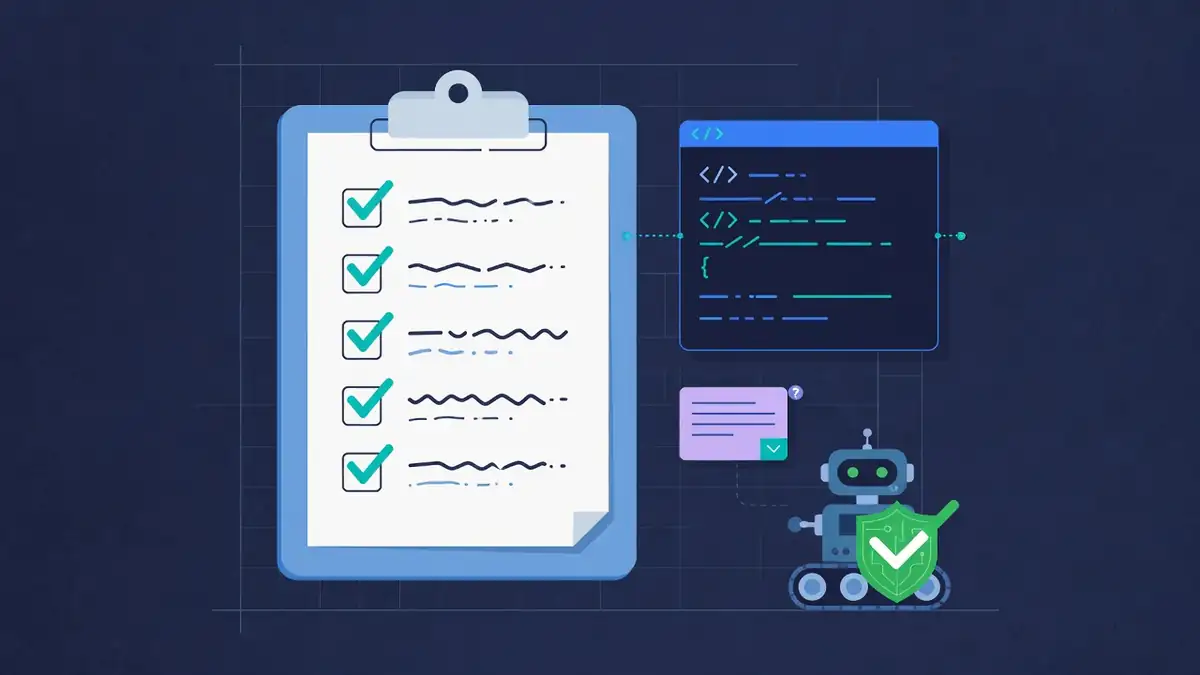
- First sentence quotes cleanly. Copy it into a blank document. If it needs surrounding context to make sense, rewrite it.
- Term matches real phrasing. Check the H1 against actual customer language, not internal jargon.
- Example is concrete. Replace generic examples with niche-specific ones a buyer would recognize.
- Schema validates. Speakable or FAQ markup parses without errors, and the defined-term markup matches the visible text.
- AI crawlers can read it. Confirm GPTBot, ClaudeBot, and PerplexityBot are not blocked after every deploy or robots.txt change.
- Review date is fresh. Definitions drift as industries change. Re-verify each entry at least twice a year and keep the visible date honest.
Track whether your entries actually get cited with the AI citation tracking workflow: entries that never appear in answers for their own term usually fail point 1 or point 5.
Start this week
Pick the ten terms your customers ask about most, write one quotable sentence for each, and publish the mini-glossary on a single hub page. Then monitor which entries AI answers pick up first, and expand around the winners. In a zero-click search landscape, the businesses that define the vocabulary are the ones that get named inside the answer.
Frequently asked questions
Why do AI answer engines love glossary pages?
Glossary pages give answer engines exactly what they quote: a short, self-contained definition tied to one named term. A page titled with the term, opening with a one-sentence definition, is the easiest possible source to extract, attribute, and cite.
How long should each glossary definition be?
Lead with one quotable sentence of 25-45 words, then expand to 80-150 words with an example and related terms. The first sentence is what gets quoted; the rest earns the ranking and keeps the human reader.
Should a small business build a whole glossary?
Start with 8-12 terms your customers actually ask about, grouped on one hub page with links to short term entries. That is enough to test whether AI answers pick you up before you invest in a 100-term library.
Do glossary pages still matter if AI answers reduce clicks?
They matter more. In a zero-click world the citation is the win: being named as the source inside the answer builds brand mentions and downstream searches even when nobody clicks through.